
01
Tap the character that matches
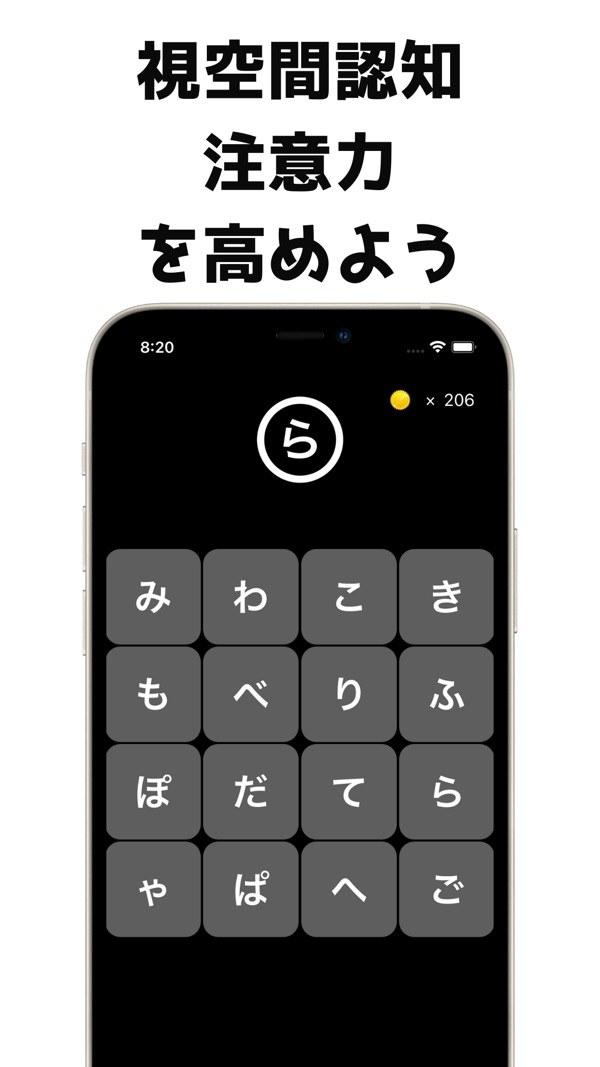
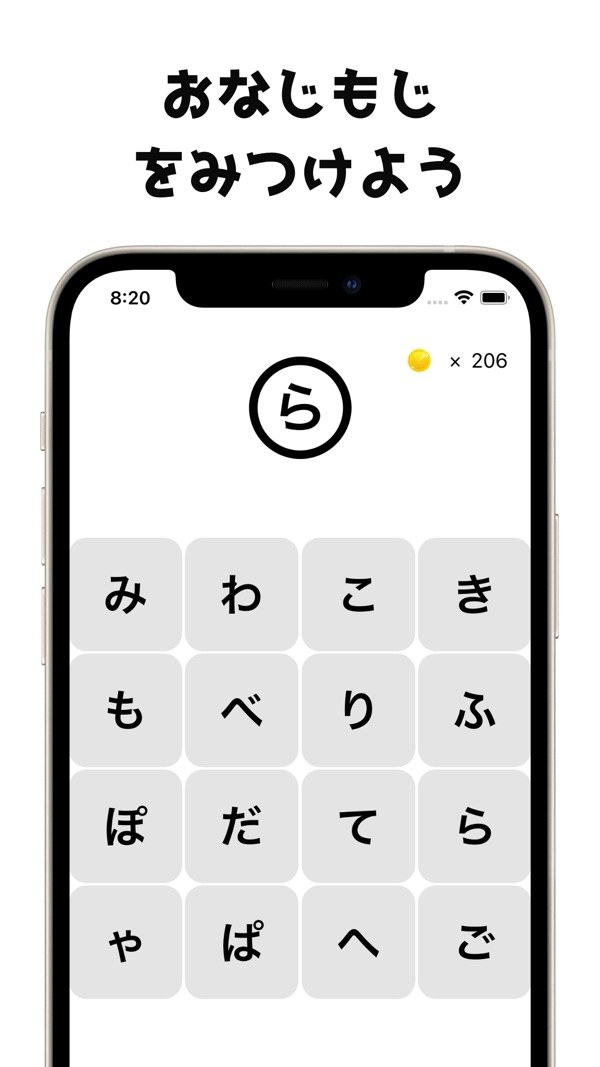
The character to find is shown inside a circle at the top of the screen. Look through the grid of tiles below it and tap the same one. Each character you tap is read aloud.
- Target character shown at the top
- Pick the matching tile from the grid
- Tapped characters are read aloud